

Typography
Headlines + Body text
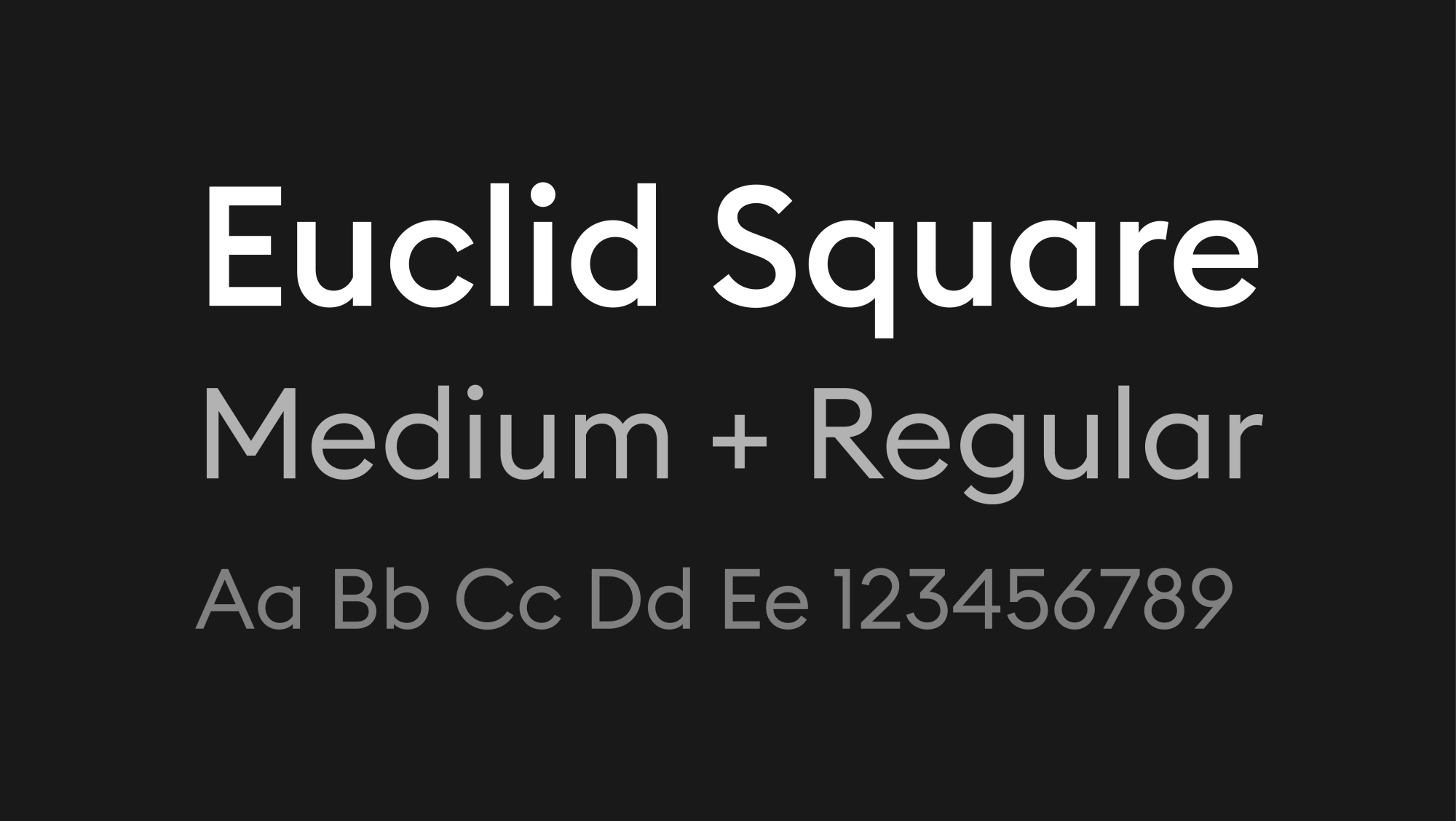
Euclid Square is our main font – we use medium in our headlines and regular for body content.
How to install typefaces
On Mac
Do any of the following:
- In the Font Book app , choose File > Add Fonts to Current User. In the window that appears, double-click the font file.
- Drag the font file to the Font Book app icon in the Dock, then click Install in the dialogue that appears.
- Drag the font file to the Font Book window.
- Double-click the font file in the Finder, then click Install in the dialogue that appears.
On Windows
- Download the font files.
- If the font files are zipped, unzip them by right-clicking the .zip folder and then clicking Extract.
- Right-click the fonts you want, and click Install.
- If you’re prompted to allow the program to make changes to your computer, and if you trust the source of the font, click Yes.
Hierarchy
XL HEADLINES
100% Headline
L Headlines
80% Headline
M Headlines
50% Headline
S Headlines
40% Headline
Body Text
Lorem ipsum dolor sit amet, consectetur adipiscing elit, sed do eiusmod tempor incididunt ut labore et dolore magna aliqua. Ut enim ad minim veniam, quis nostrud exercitation ullamco laboris nisi ut aliquip ex ea commodo consequat. Duis aute irure dolor in reprehenderit in voluptate velit esse cillum dolore eu fugiat nulla pariatur. Excepteur sint occaecat cupidatat non proident, sunt in culpa qui officia deserunt mollit anim id est laborum.
20% Headline
Using our typeface
Short All Caps Headlines
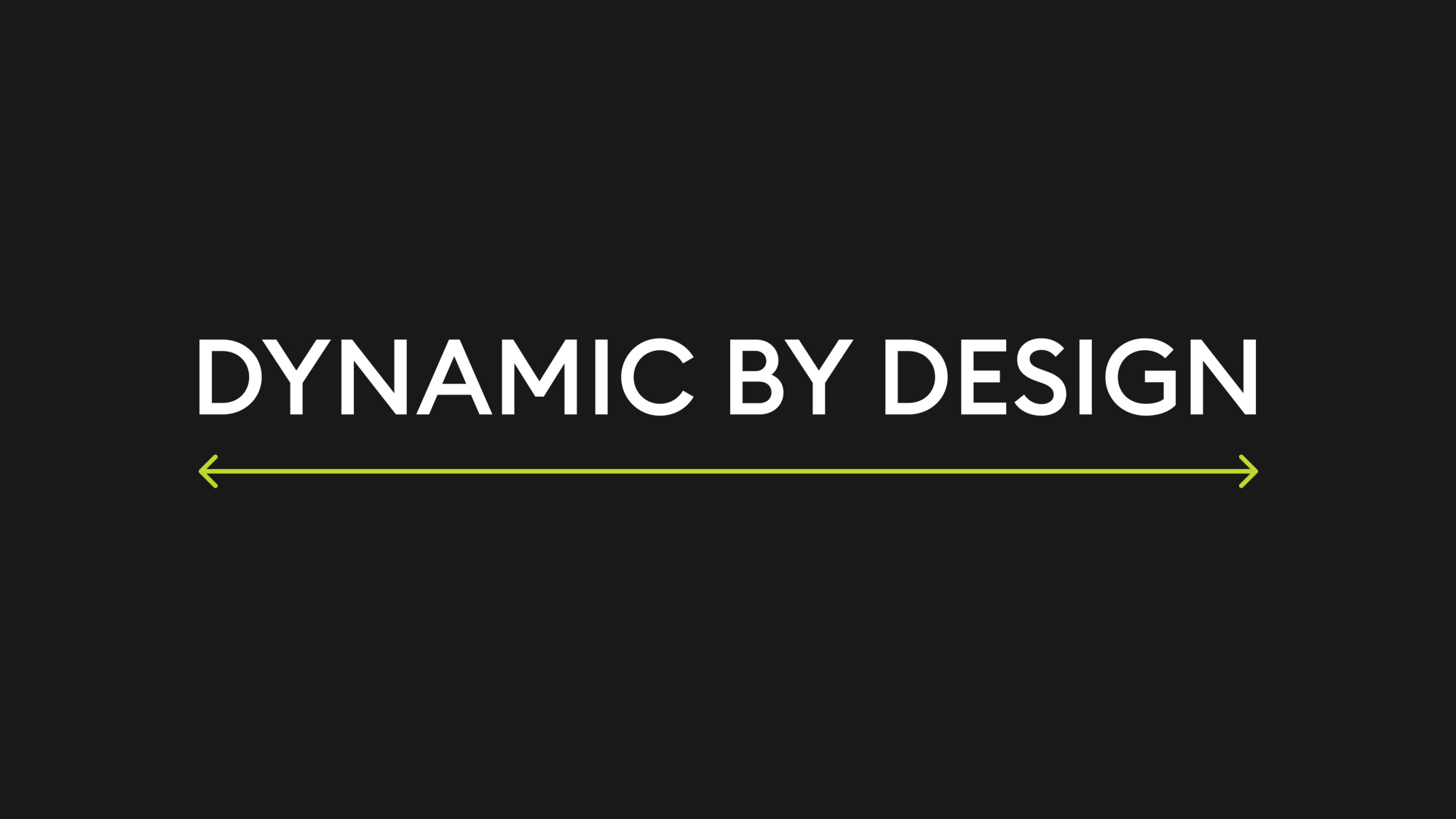
Keeping our headlines short allows us to use punchy messaging and scale up text to emphasise the details of the typeface. You can use all caps in limited quantities on cover pages and other key pages to bring even more impact to layouts.
Leading
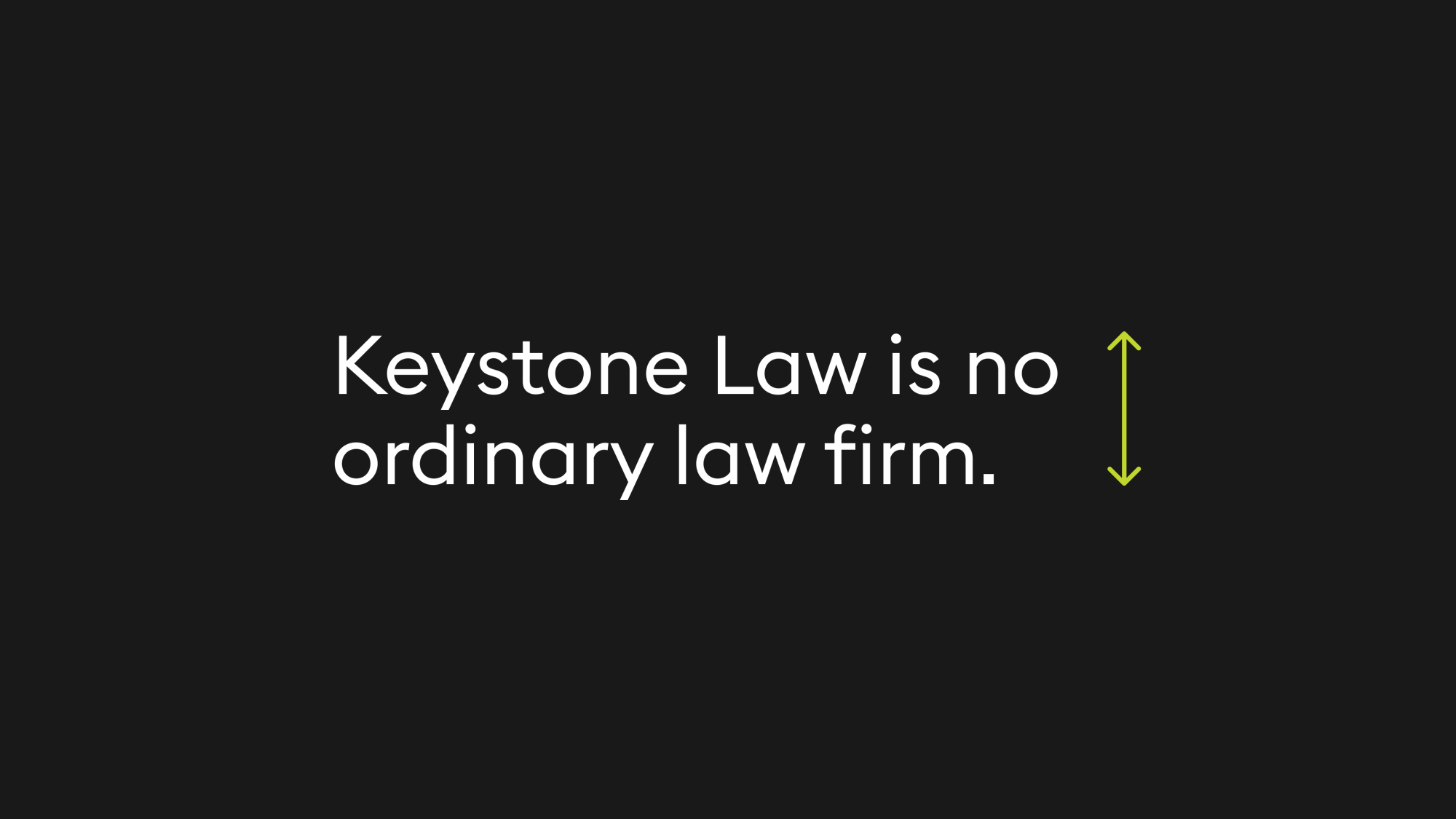
Don’t make leading too tight and avoid ascenders and descenders clashing.

Colour Highlighting
Individual words can be highlighted in green to draw attention or indicate URLs.
Text Colour
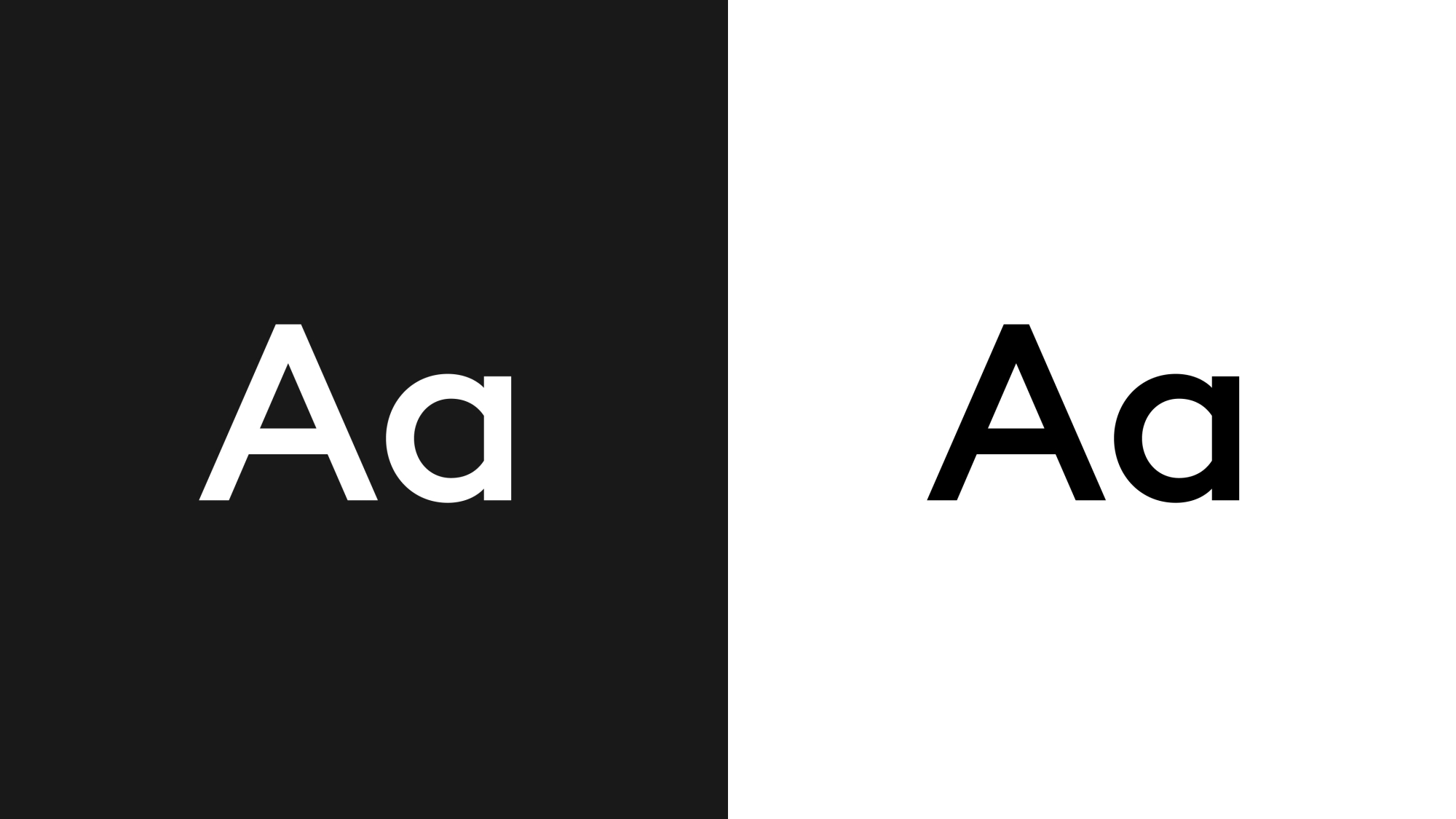
On black: white. On white: black

Colour Highlighting On White
Individual words can be highlighted in teal to draw attention or indicate URLs.